Stop drowning your audience in slideuments to reduce cognitive overload
John Sweller’s cognitive load theory warns against bombarding working memory with too much simultaneous written and spoken information. Yet countless presenters still cram every bullet into slides and expect attendees to both read and listen. I remember sitting in a boardroom as the CEO clicked frantically through 80 text-heavy slides, handing out printouts and urging us all to ‘read ahead.’ By slide ten, half the room gave up and the other half scribbled furiously, missing everything he said.
Contrast that with a presenter who opens with, “Check your inbox after this call for the full report. For now, let’s look at this chart.” Suddenly, eyes sharpen, heads lift, and working memory is freed to interpret the graph—not decode paragraphs. Multimedia should be a support, not an obstacle.
Effective communication needs two containers: a visual container for sparking interest and anchoring memory, and a written container for depth. Slides are for sparking insight; handouts are for studying detail. By respecting our brain’s dual channels—visual and verbal—you create an environment where audiences listen and understand, rather than switch off or multitask.
Next time, separate your slide deck from your documentation. Let one inform the other without merging them into a cognitive traffic jam.
You’ll split your preparation into two projects: a rich handout loaded with data, and a lean, high-impact slide deck. Announce the handout at the start so listeners can relax and focus on your narrative. Watch as they lean in, eyes and minds free from overload.
What You'll Achieve
Internally, you’ll gain confidence that you’re respecting your audience’s cognitive limits, reducing stress and multitasking urges. Externally, meetings and webinars become more efficient, with participants retaining more and later consulting a thorough handout.
Split handouts from slides for better focus
Create a single-purpose handout.
Draft a detailed PDF or Word document that contains all the data, footnotes, and references your audience needs to read later.
Strip slides to essentials.
Remove all but one idea per slide, using large visuals or single words. Your slides should spark curiosity, not serve as mini-reports.
Announce the swap.
At the start, tell participants that detailed materials will follow in the handout, so they don’t feel pressured to copy every bullet during your talk.
Reflection Questions
- How often have you noticed attendees read ahead rather than listen?
- What fears hold you back from separating slides and handouts?
- How might your slide load change if you stopped using them as brochures?
- In what ways could this split improve post-presentation engagement?
Personalization Tips
- > For a financial review, send the Excel spreadsheet afterward and show only one key graph per slide.
- > In a classroom, hand out full readings in advance and use slides to highlight discussion prompts.
- > During a product demo, distribute a specs sheet post-demo and use slides to visualize the user journey.
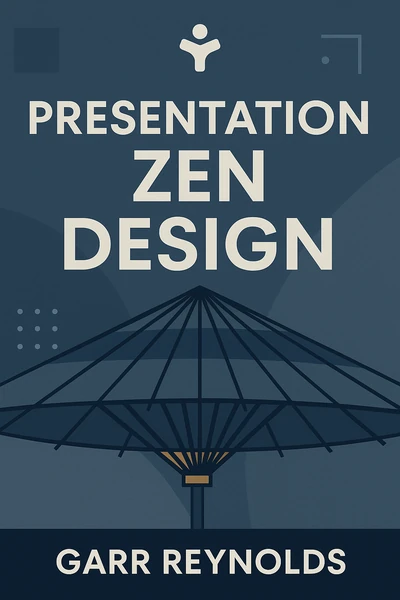
Presentation Zen Design: Simple Design Principles and Techniques to Enhance Your Presentations
Ready to Take Action?
Get the Mentorist app and turn insights like these into daily habits.