Design your life with friction to steer your own behavior
Tech companies know you’re trained to grab your phone the second it lights up. So they remove every obstacle—one-click logins, bright color icons—to keep you scrolling. But you can flip the script. Take Sarah, a freelance designer who felt she never had time for creativity. She started by covering her phone’s home button with a small sticker—instantly her instinctive thumb swipe became a conscious thought. Then she added a one-second launch delay to her social media apps. What seemed trivial turned out to be a game-changer. She noticed she had to pause, take a breath, and often realized she didn’t want to open the app after all.
Businesses call these tactics “choice architecture” or “friction design.” Casinos don’t have clocks so you lose track of time. Airlines play uplifting music on arrival to encourage spending. You can use the same principles for good: add small hurdles to unwanted phone habits. Those micro-choices accumulate into big changes.
Next, you might remove apps from your lock screen or turn your brightness down on habit apps. Or you could keep your favorite book on your nightstand instead of your phone. Each adjustment slows the autopilot impulse and invites a moment of mindfulness.
Within days, you train your brain to choose better. And that’s the ultimate lesson from business’s playbook: friction isn’t always bad, especially when it helps you live by your own design.
Think of each annoying habit as a business problem. What speed bumps—like stickers on buttons or digital launch delays—could solve it? Start with one action you do without thought, add a small obstacle, and test it. Notice how often it stops your impulse and tweak the obstacle until it does. You’ll be designing your own life with intentional friction.
What You'll Achieve
You’ll harness choice architecture to break autopilot behaviors, leading to more mindful choices and less wasted screen time. Externally, each friction point reduces compulsive swipes and boosts focused attention.
Build bespoke speed bumps at every swipe
Pinpoint friction points
Identify three phone actions you perform without thinking—unlocking, launching an app, or tapping a link.
Add physical obstacles
Attach a rubber band around your phone or place a sticker over the unlock button. Suddenly unlocking for a habit takes extra effort.
Customize digital delays
Enable triple-tap shortcuts or use an app to enforce a 3-second delay before certain apps open, so you pause and ask, ‘Do I really want this?’
Review and refine
After each friction test, note whether it stopped an impulse. Adjust the size or complexity of each bump until it feels effective.
Reflection Questions
- Which reflexive phone action do I want to disrupt first?
- What simple obstacle could I add right now?
- How will I measure whether each bump is effective?
- What happens if the speed bump feels annoying rather than helpful?
Personalization Tips
- For students, move your messaging app off the home screen and into a hidden folder so it’s out of mind.
- At home, charge your phone in another room so you can’t reach it while relaxing on the couch.
- If you need email only for work, block it outside office hours with an app-blocker.
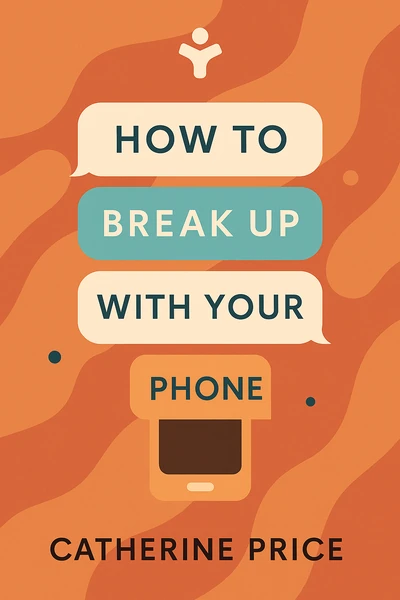
How to Break Up with Your Phone: The 30-Day Plan to Take Back Your Life
Ready to Take Action?
Get the Mentorist app and turn insights like these into daily habits.